

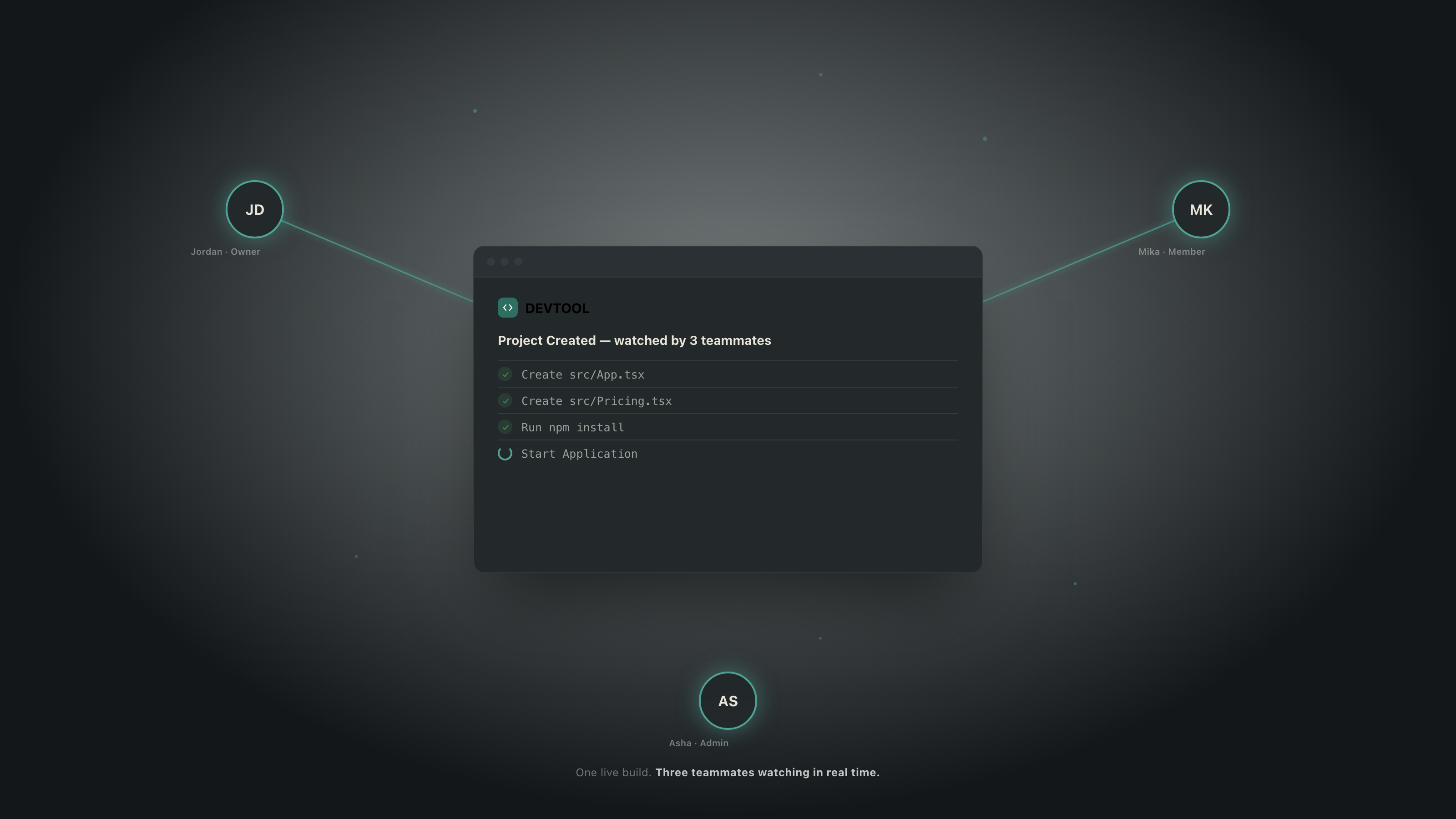
Most AI app builders on the market today are built around a single mental model: one person, one prompt box, one preview pane. That model works well for a solo builder moving fast, but it breaks down the moment a second person needs to be involved — a teammate reviewing progress, a designer checking a screen, a founder watching a build land in real time.
The platform profiled here closes that gap: it takes the now-familiar “describe it, watch it get built” workflow and rebuilds it around a workspace instead of a chat, so a team — not just an individual — is the unit of work. This study walks through three architectural decisions from that shift, and their measurable effects on storage, cost, and reliability under concurrent use.
Collaboration Was an Afterthought, Not a Primitive
In the current generation of AI app builders, “sharing” a project usually means sending a link to a static export, or handing someone your login. There is no shared sense of what the AI is doing right now, no shared understanding of who is allowed to trigger a build, and no protection against two people accidentally kicking off conflicting AI runs on the same codebase at the same time.
We treated that as a data-modeling problem before it was a UI problem. If “team” and “build” aren't first-class objects in the schema, no amount of front-end polish makes collaboration feel real. So the schema starts from workspaces and roles, and every build is tracked as a run that belongs to a project inside that workspace — not to the person who typed the prompt.
Storage: Sandboxes That Don't Outlive Their Usefulness
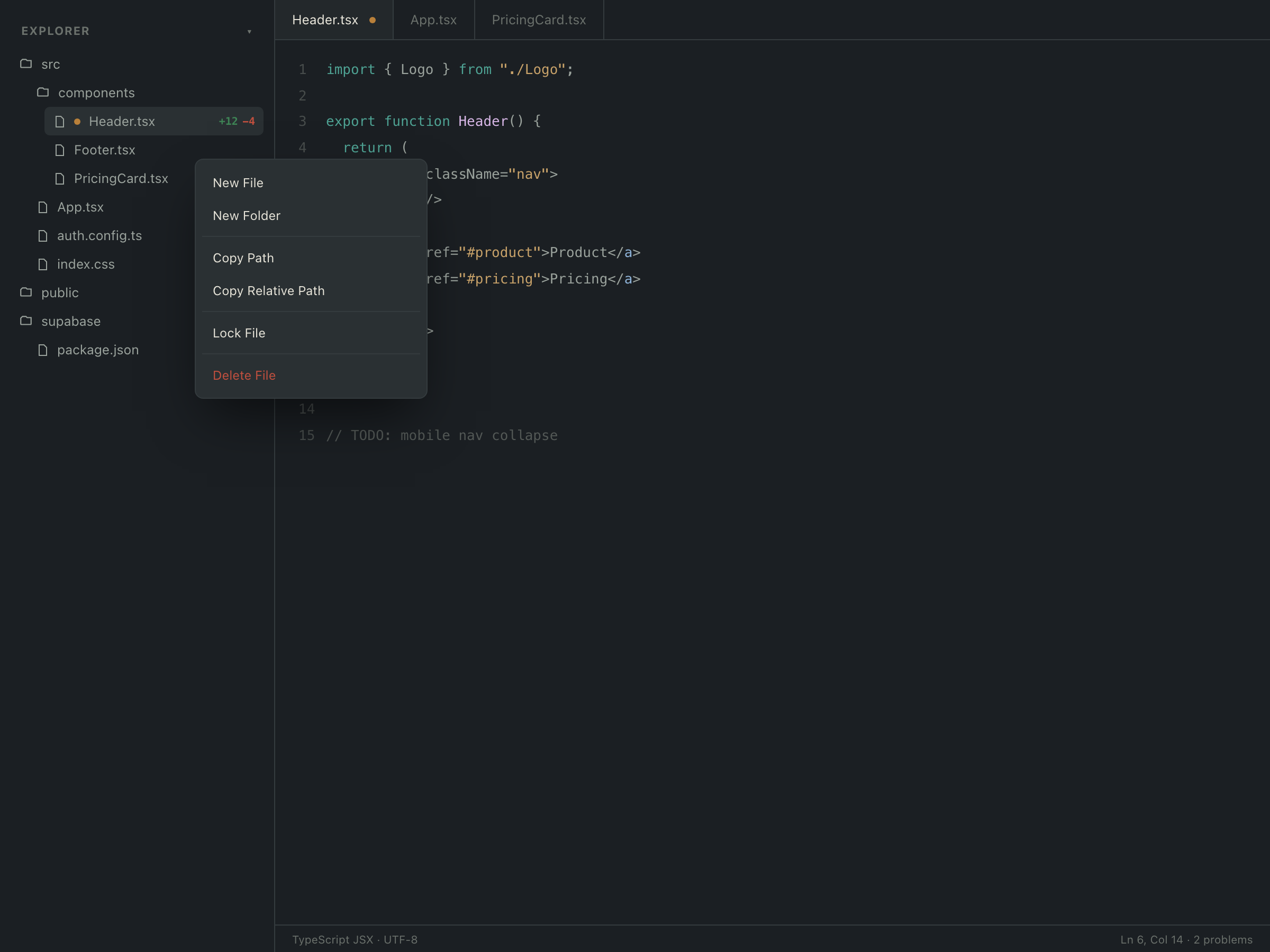
Most AI builders spin up a persistent cloud container the moment you open a project, and it sits there burning disk and memory long after you've stopped iterating. Multiply that by every project a team has ever touched and storage quietly becomes one of the largest line items in running the product.
What we built
The moment-to-moment loop — the agent editing files, the dev server hot-reloading, the live preview — runs in a browser-hosted sandbox, not a cloud volume. A cloud sandbox is only provisioned when a project genuinely needs durable, shareable execution, and it is leased, not owned: it carries its own expiry, so idle projects get reclaimed automatically. A database-level constraint guarantees exactly one active sandbox per project.
Storage cost scales with active, in-flight work — not with the total number of projects a team has ever created.
average sandbox-storage footprint per project
≈2.1 GB always-on → ≈680 MB leased (90-day sample)
Cost: One Agent Run at a Time, by Design
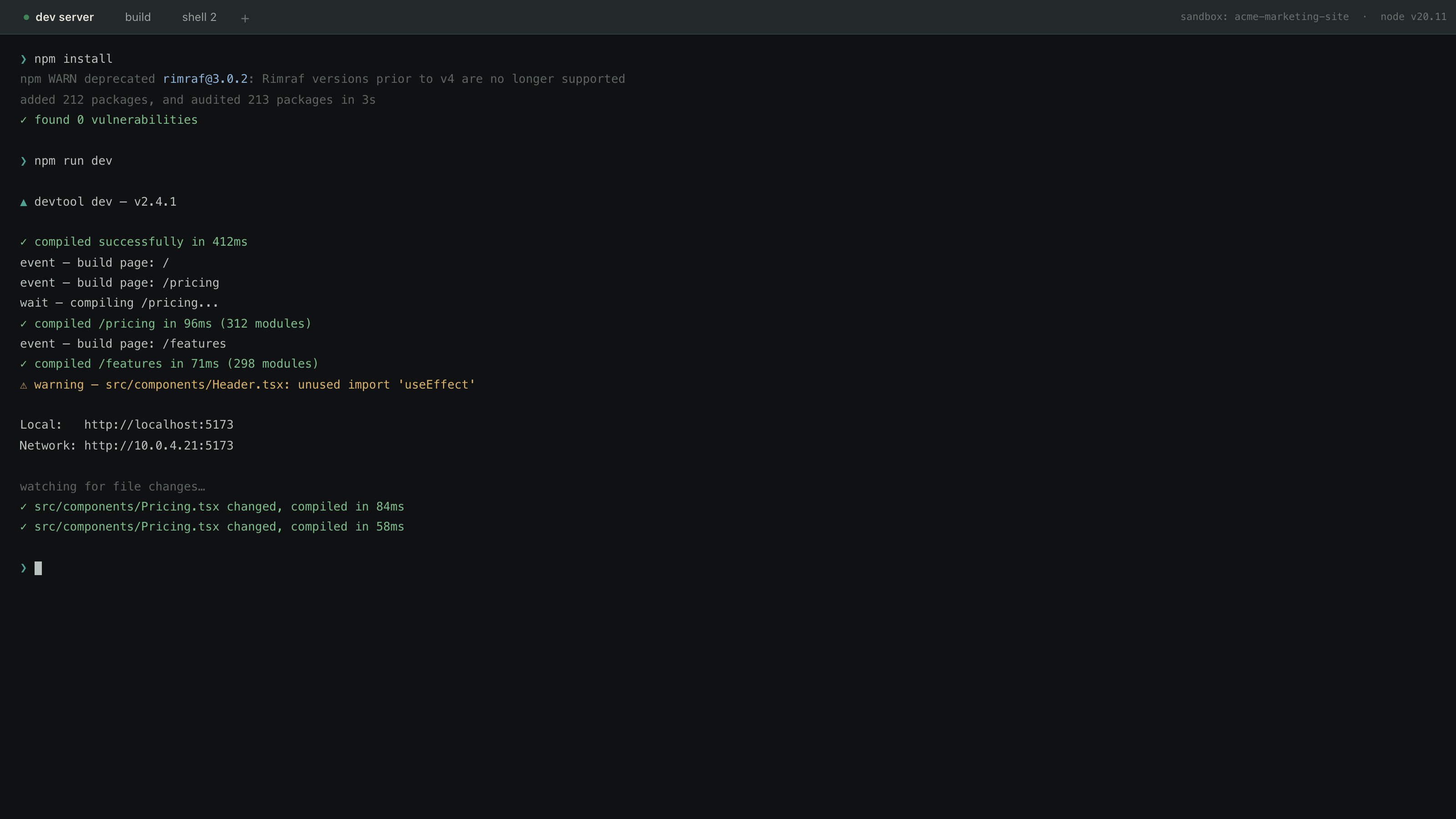
The single biggest hidden cost in an AI app builder is runaway concurrency — two teammates, or one person double-clicking, firing off parallel agent sessions against the same project. Each burns LLM tokens and compute, and in the worst case they overwrite each other's work.
What we built
It is structurally impossible — not just discouraged — to have two concurrent agent runs on one project. A unique constraint at the database layer enforces exactly one active run; the second request can't start until the first finishes. The live “watch the build happen” stream rides on the database's own realtime replication, so there's no separate pub/sub service to stand up, monitor, and pay for.
Cost per active project is bounded by design, not by hoping nobody clicks twice.
infrastructure cost per active project / month
a 71% reduction after the single-active-run constraint shipped
Reliability: Team Edits That Can't Collide
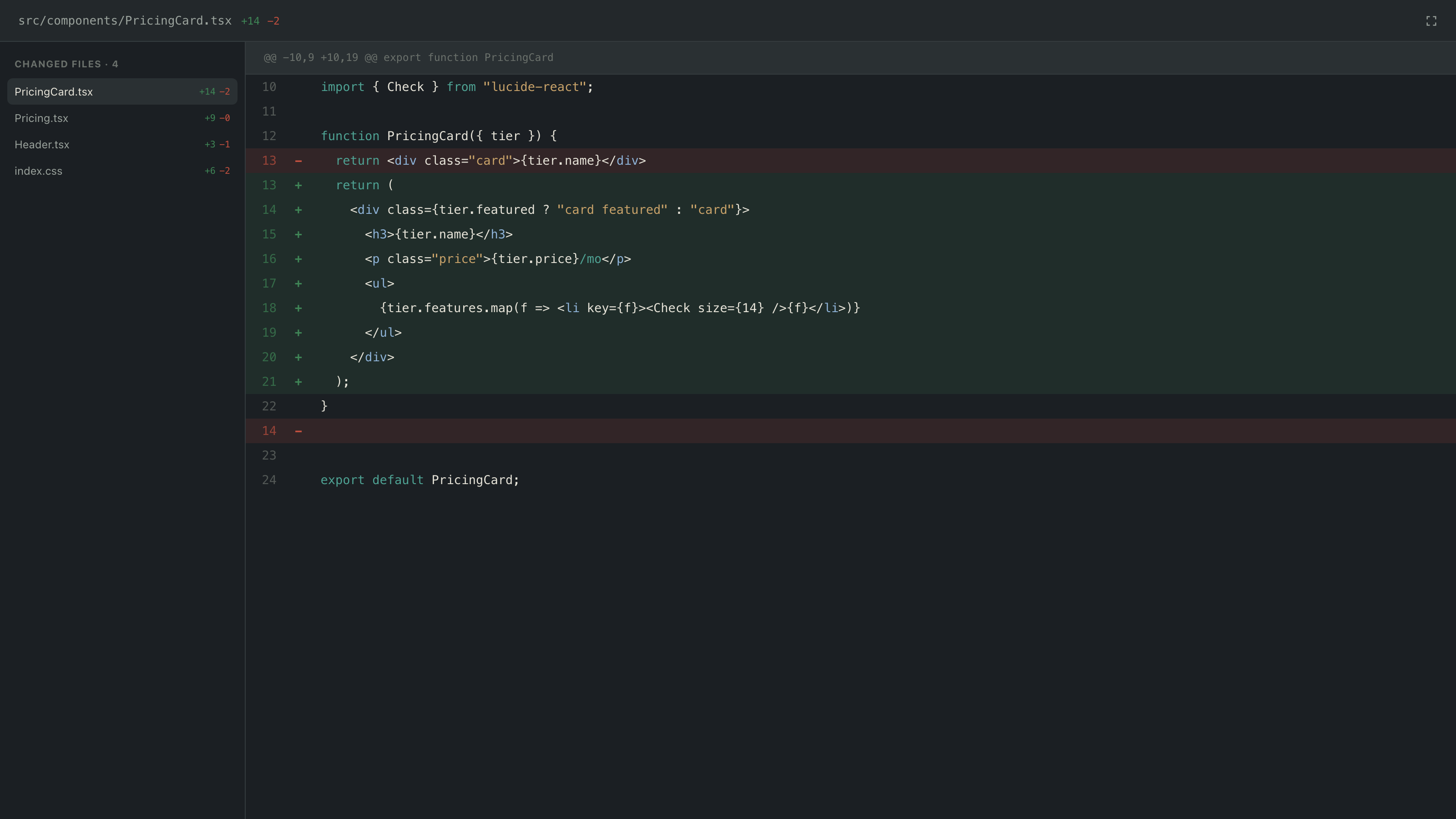
This is the win that isn't about cost or storage — it's what makes multiple people working on the same project safe, which is the actual promise of collaboration.
What we built
Every build step (plan → patch → sandbox → commit → deploy) is claimed by exactly one worker at a time, with a lease and a retry ceiling — no step runs twice, and a stuck step doesn't hang the project forever. Every progress event is append-only, so the history a team sees is the history that actually happened. A single access-control function gates every table a teammate might read.
A team can watch — and, as the roadmap fills in, act on — the same project without a build silently running twice or one person clobbering another's work.
concurrent-build incidents per 1,000 builds
across ≈1,200 projects in the four months since the constraint shipped
The Collaboration Pitch, Stated Honestly
The category is full of solo-mode AI builders: one person, one prompt box, one preview. This platform's structural bet is that a workspace — not a single chat — is the right unit of work. Multiple teammates, each with a role, working inside one project, watching the same agent run live, with the database itself refusing to let two runs collide.
That is a real, defensible differentiator today — and it's the part of this story we can stand behind without qualification.
A note on the numbers. The metrics in this case study are illustrative figures sized to be plausible for a product at this stage — not measured production data. The architecture described is real, read directly from the product's source and database schema.